The OSHA 300 log is a federally required document that tracks every recordable workplace injury and illness at your establishment. Formally known as the "Log of Work-Related Injuries and Illnesses," it serves as both a compliance tool and a critical data source for identifying hazard patterns. Every employer covered by OSHA recordkeeping requirements must maintain this log accurately, post the annual summary and retain records for at least five years - or face penalties that can reach tens of thousands of dollars per violation.
This guide walks through every aspect of OSHA recordkeeping: who must comply, what counts as a recordable injury, how to complete each form, common mistakes that trigger citations and how to build a system that makes compliance straightforward rather than stressful.
Who Must Keep OSHA 300 Logs?
Most employers with 11 or more employees at any point during the previous calendar year must maintain OSHA injury and illness records. However, there are exemptions and special rules that can create confusion.
Free Download: 5 Safe Work Procedures
Choose from 112 professionally written SWPs. No credit card required.
Get Free SWPsGeneral Rule
If you have 11 or more employees at any time during the year and your industry is not on OSHA's partial exemption list, you must keep OSHA Forms 300, 300A and 301.
Exemptions
- Size exemption: Establishments with 10 or fewer employees at all times during the previous calendar year are exempt from routine recordkeeping (but must still report fatalities and severe injuries).
- Industry exemption: Certain low-hazard industries in sectors like retail, finance and real estate are partially exempt. OSHA maintains a list of exempt industries based on NAICS codes. Check the current list at osha.gov.
- No exemption from reporting: Even exempt employers must report any fatality within 8 hours and any amputation, in-patient hospitalization, or loss of an eye within 24 hours.
Electronic Submission Requirements
Establishments with 250 or more employees in non-exempt industries must electronically submit Forms 300, 300A and 301 data annually through OSHA's Injury Tracking Application (ITA). Establishments with 20 to 249 employees in designated high-hazard industries must submit Form 300A data. OSHA publishes this data publicly, adding a reputational incentive for accurate reporting.
The Three OSHA Recordkeeping Forms
OSHA's recordkeeping system uses three interconnected forms. Understanding each one is essential for compliance.
Form 300 - Log of Work-Related Injuries and Illnesses
This is the main log. Each recordable injury or illness gets one row. The form captures the employee's name, job title, date of injury, where the event occurred, a description of the injury and the outcome (days away from work, restricted duty, job transfer, or other recordable case). You maintain this log throughout the year, adding entries within seven calendar days of learning about a recordable case.
Form 300A - Summary of Work-Related Injuries and Illnesses
At the end of each calendar year, you compile the totals from Form 300 into this one-page summary. It must be certified by a company executive, posted in a visible workplace location from February 1 through April 30 and kept on file for five years. The 300A is the form most commonly requested during OSHA inspections.
Form 301 - Injury and Illness Incident Report
This is the detailed supplementary form for each individual case. It captures more information than the 300 log, including how the injury occurred, what the employee was doing and what object or substance was involved. Equivalent forms (such as a state workers' compensation first report of injury) can substitute if they contain all required data points.
What Is an OSHA Recordable Injury?
This is where most recordkeeping errors occur. Not every workplace injury is recordable and understanding the criteria prevents both under-reporting (which triggers citations) and over-reporting (which inflates your incident rates).
The Recording Criteria
A work-related injury or illness is OSHA recordable if it results in any of the following:
- Death
- Days away from work - any day the employee cannot work due to the injury (the day of injury does not count)
- Restricted work activity or job transfer - the employee can work but cannot perform all normal duties
- Medical treatment beyond first aid - this is the most commonly misunderstood criterion
- Loss of consciousness
- A significant injury or illness diagnosed by a physician or licensed healthcare professional - includes fractures, punctured eardrums, chronic irreversible diseases and cancer
First Aid vs. Medical Treatment
The distinction between first aid and medical treatment is the single most important decision in OSHA recordkeeping. OSHA defines first aid as a specific, exhaustive list:
- Using non-prescription medications at non-prescription strength
- Tetanus immunizations
- Cleaning, flushing, or soaking wounds on the surface of the skin
- Using wound closure devices such as butterfly bandages or Steri-Strips
- Using splints and wraps on a first visit
- Drilling a fingernail or toenail to relieve pressure
- Using eye patches
- Removing foreign bodies from the eye with irrigation or a cotton swab
- Removing splinters with tweezers
- Using finger guards
- Using massages
- Drinking fluids for heat-related illness
- Using hot or cold therapy
- Using non-rigid means of support (elastic bandages, wraps)
- Using temporary immobilization devices while transporting an injured person
Anything not on this list is medical treatment and the case is recordable. Prescription medications, sutures (as opposed to Steri-Strips), physical therapy and surgical procedures all constitute medical treatment.
How to Complete the OSHA 300 Log
Filling out the form correctly requires attention to detail in several columns:
Step-by-Step Process
- Identify the case. When an injury or illness is reported, determine whether it meets the recording criteria above.
- Assign a case number. Use sequential numbering starting at 1 each calendar year.
- Enter employee information. Full name, job title and date of injury or illness onset.
- Describe the case. Where the event occurred, what the employee was doing, what happened and what the injury or illness was. Be specific: "Strained lower back while lifting 50 lb box from floor to conveyor" is vastly better than "back hurt."
- Classify the outcome. Check the appropriate column: death, days away from work, job transfer or restriction, or other recordable case.
- Count the days. Record the number of calendar days away from work and/or days of restricted activity. The cap is 180 days per case.
- Identify the injury type. Check whether the case involves an injury, skin disorder, respiratory condition, poisoning, hearing loss, or other illness.
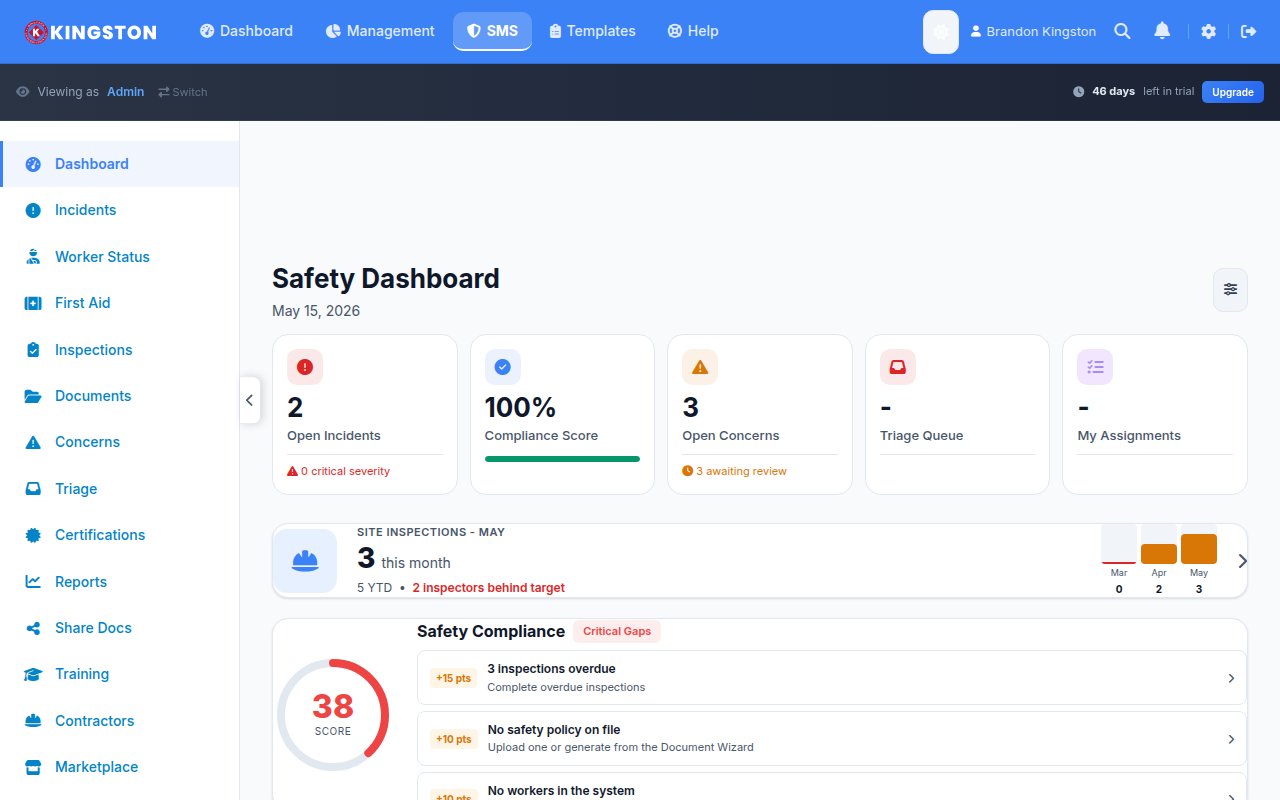
A digital incident reporting system can automate much of this workflow, pre-populating fields, flagging recordable cases and calculating days-away counts automatically.
Common OSHA Recordkeeping Mistakes
OSHA issues recordkeeping citations more frequently than many employers realize. These are the mistakes that come up repeatedly:
1. Misclassifying Medical Treatment as First Aid
If a doctor prescribes a medication or orders physical therapy, the case is recordable - even if the injury itself seems minor. The treatment determines recordability, not the severity of the injury.
2. Not Recording Cases Within Seven Days
You have seven calendar days from the time you learn of a recordable injury to enter it on the log. Late entries suggest a pattern of negligence, which can trigger broader scrutiny during an inspection.
3. Failing to Update the Log
If a case that initially required no days away from work later worsens and the employee takes time off, you must update the original entry. The log is a living document.
4. Not Posting the 300A Summary
The annual summary must be posted from February 1 through April 30. Failure to post - or posting it late - is a citable violation.
5. Not Retaining Records for Five Years
OSHA requires you to keep Forms 300, 300A and 301 for five years following the end of the calendar year they cover. A document management system ensures nothing gets discarded prematurely.
6. Discouraging Injury Reporting
OSHA's anti-retaliation provisions (Section 11(c) and the Injury Tracking Application rule) prohibit employers from retaliating against workers who report injuries. Policies that discourage reporting - such as discipline-based safety incentive programs - can result in separate citations.
OSHA 300 Log and Your Injury Rates
The data on your 300 log directly feeds your Total Recordable Incident Rate (TRIR) and Days Away, Restricted, or Transferred (DART) rate. These metrics are used by:
- OSHA: To identify establishments for targeted inspections
- Insurance carriers: To set workers' compensation premiums
- General contractors and clients: To pre-qualify subcontractors
- Corporate leadership: To benchmark safety performance across facilities
How to Calculate TRIR
TRIR = (Number of recordable cases x 200,000) / Total hours worked by all employees
The 200,000 figure represents the approximate hours worked by 100 full-time employees in one year. A TRIR of 2.0 means two recordable injuries per 100 workers per year.
How to Calculate DART Rate
DART = (Number of DART cases x 200,000) / Total hours worked by all employees
DART cases include only those resulting in days away from work, restricted duty, or job transfer - making it a stricter measure of injury severity.
Best Practices for OSHA Recordkeeping Compliance
- Train your recordkeepers. The person responsible for the 300 log should understand recordability criteria, first aid vs. medical treatment distinctions and day-counting rules.
- Standardize your reporting process. Use a consistent intake form and workflow so every injury is evaluated against the same criteria.
- Conduct quarterly log reviews. Do not wait until year-end. Review the log quarterly to catch errors, update ongoing cases and verify day counts.
- Keep physician communication clear. Work with your occupational health provider to ensure they understand the implications of treatment decisions on recordability.
- Go digital. Paper logs are prone to errors, damage and loss. A digital system provides audit trails, automatic calculations and centralized storage.
Tired of wrestling with spreadsheets and paper forms? Make Safety Easy automates OSHA recordkeeping with built-in incident classification, day counting and report generation. Book a demo to see how it works, or view pricing to find the right plan for your operation.
Ready to simplify your safety program?
Make Safety Easy helps teams run toolbox talks, inspections, incident reports and more - all from one platform.
Start Your Free TrialNo credit card required. 14-day free trial.