SafetyCulture (formerly iAuditor) is a strong inspection tool, but it is not the right fit for every crew. If per-seat costs are climbing or the platform feels heavier than what your team actually uses, it is worth seeing what else is out there. This guide compares the main options honestly, with a plain "who it fits" line and real pros and cons for each, so you can pick the one that matches how you work.
Why Teams Look for a SafetyCulture Alternative
SafetyCulture earned its reputation. The inspection builder is excellent, the template library is huge, and the mobile app works well offline. For high-volume inspection operations across many sites, it is a capable platform.
The friction usually shows up for smaller construction and field crews. The three complaints that come up most often:
Free Download: 5 Safe Work Procedures
Choose from 112 professionally written SWPs. No credit card required.
Get Free SWPs- Cost as you grow. Pricing is per seat, starting at $24 per user per month on the Premium plan, with Enterprise on a custom quote. For a 20-person crew that is $480 or more per month, before you add anything else.
- Missing daily tools. There is no dedicated toolbox talk module and no construction project management. Teams often bolt on a second tool to cover the gap.
- Complexity. The platform has grown into training, assets, sensors, and issue tracking. If you only need inspections, incidents, and compliance, that breadth can feel like clutter you are still paying for.
None of that makes SafetyCulture a bad product. It just means the fit depends on your size, budget, and how much of the platform you will actually use. Below are six options worth weighing, including our own.
Quick Comparison
| Tool | Best for | Rough price | Standout |
|---|---|---|---|
| SafetyCulture (iAuditor) | Inspection-heavy operations | From $24/user/mo; free tier (limited) | Template library and mobile app |
| SiteDocs | Documentation-focused construction safety | ~$30/user/mo (quote) | Paperless safety docs and sign-off |
| Safesite | Small crews wanting a free or cheap start | Free plan; ~$14-20/user/mo paid | Fast setup and OSHA 300 logs |
| Vector Solutions / Intelex | Large enterprises with EHS staff | Enterprise quote (often $500+/mo) | Depth: training, compliance, EHS |
| Fieldwire | Field task and plan coordination | Free tier; paid per user (tiered) | Plan viewing and task tracking |
| Make Safety Easy | Small-to-mid construction/field crews | $39/user/mo (or $49 with construction) | QR crew sign-off, simple pricing |
The Options, Compared
1. SafetyCulture (iAuditor)
Who it fits: Inspection-heavy teams that run high volumes of audits across many locations and want the deepest template library on the market.
This is the incumbent, and it is here for a reason. If your core job is inspections, SafetyCulture does that better than almost anyone. The reason it appears on an "alternatives" list at all is that many crews need more than inspections, or simply need less platform for less money.
- Pros: Best-in-class inspection builder, thousands of pre-built templates, polished offline mobile app, and a wide integration ecosystem (Power BI, SharePoint, Slack, and more).
- Cons: Per-seat pricing climbs as you add people, no dedicated toolbox talk module, no construction project management, and the expanding feature set adds complexity you may not need.
2. SiteDocs
Who it fits: Construction and industrial companies whose main goal is going paperless with safety documentation and worker sign-offs.
SiteDocs is a Canadian platform built specifically for construction safety, and it leans toward documentation rather than inspection volume. It covers more of the daily safety workflow than SafetyCulture does out of the box.
- Pros: Digital safety forms and checklists, toolbox talk management, incident reporting, certification tracking, and worker orientation workflows.
- Cons: Pricing is not published (roughly $30 per user per month, but you contact sales for a quote), there can be an implementation or setup fee, and evaluation is demo-only rather than a self-serve trial.
3. Safesite
Who it fits: Small construction companies and subcontractors that want to start free or cheap and keep things simple.
Safesite targets small-to-mid crews and prioritizes speed of deployment over enterprise depth. Its free plan makes it an easy first step off paper.
- Pros: Free plan for very small teams, affordable paid tiers (around $14 to $20 per user per month), construction-specific inspection templates, OSHA 300 log support, hazard reporting, and toolbox talks.
- Cons: Feature depth is limited compared with larger platforms, analytics and reporting are basic, and document management is light. It is not built for complex or multi-industry organizations.
4. Vector Solutions or Intelex (Enterprise EHS)
Who it fits: Large enterprises with dedicated EHS departments, heavy training and compliance requirements, and budget to match.
These are the enterprise-grade EHS platforms. They sit at the opposite end of the market from SafetyCulture's field-first roots, offering broad regulatory, training, and compliance coverage. If you are a small crew, they will almost certainly be more platform, and more cost, than you need.
- Pros: Deep functionality. Vector Solutions is strong on training delivery, pre-built OSHA-compliant courses, and certification tracking. Intelex offers a full EHS suite covering incident management, audits, risk, document control, and multi-jurisdiction regulatory reporting.
- Cons: Pricing is quote-based and not published. Intelex implementations commonly start around $500 to $1,000 per month and climb from there, with implementation costs that can reach tens of thousands of dollars. Both require dedicated admin resources and a longer onboarding.
5. Fieldwire
Who it fits: Field teams that mainly need task coordination and plan management on active job sites, with safety as a secondary concern.
Fieldwire is a construction field-management tool centered on plans, tasks, and coordination rather than being a dedicated safety system. It is worth knowing about because some teams reach for it expecting safety features, then find those are not its focus.
- Pros: Strong plan viewing and markup, task assignment and tracking, and a field-friendly mobile app. There is a free tier, with paid plans priced per user across tiers.
- Cons: It is not built as a safety compliance platform, so toolbox talks, structured incident reporting, and audit-ready safety records are not its strength. Safety-focused teams will likely still need a dedicated tool. Confirm current pricing and tiers directly with Fieldwire, since plans change.
6. Make Safety Easy
Who it fits: Small-to-mid construction and field crews that find SafetyCulture too pricey or too complex and want the core safety workflow in one simple place.
We build Make Safety Easy, so treat this section as our pitch rather than a neutral review. We will be straight about it: we are newer and smaller than the incumbents above, and we do not match their breadth. Where we aim to win is price and simplicity for everyday field safety.
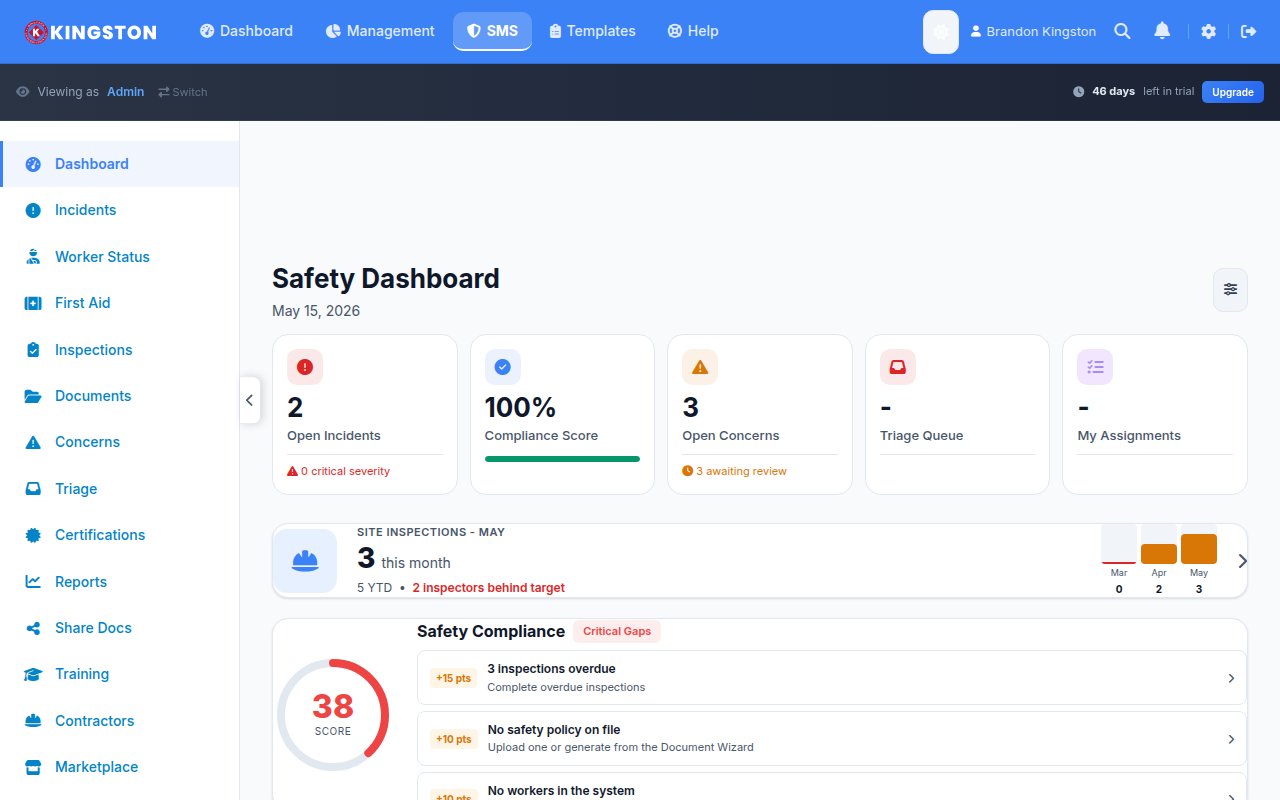
- Pros: Flat $39 per user per month (or $49 with the construction add-on), no setup fees and no annual lock-in. You get QR-code crew sign-off, toolbox talks, inspections, FLRA and JHA hazard assessments, and incident reporting, all running offline as a PWA with no app store required.
- Cons: We are a younger product with a smaller template library and fewer integrations than SafetyCulture. If you need a deep enterprise EHS suite or a massive prebuilt template catalog, one of the platforms above will serve you better.
How to Choose
There is no single best answer, only the best fit for your team. A few honest rules of thumb:
- If inspections are your whole job and budget is not the constraint, SafetyCulture is hard to beat.
- If you are a large enterprise with EHS staff and heavy compliance needs, look at Vector Solutions or Intelex.
- If you want to start free and keep it light, Safesite is a reasonable on-ramp.
- If you are a small-to-mid crew that wants toolbox talks, inspections, hazard assessments, and incidents in one affordable tool with predictable pricing, that is exactly the gap Make Safety Easy is built for.
Whatever you pick, run a real pilot with your own crew and your own forms before you commit. A tool that looks great in a demo can feel very different once the whole team is signing off talks in the field.
Want the simple, affordable option?
Toolbox talks, inspections, FLRA/JHA, and incident reporting with QR crew sign-off, at a flat $39 per user per month. No setup fees, no annual contract.
Start Free TrialFrequently Asked Questions
What is the best SafetyCulture alternative for a small business?
It depends on your budget and needs. Safesite is a good pick if you want to start free and keep things basic. If you want toolbox talks, inspections, hazard assessments, and incidents together with predictable flat pricing, Make Safety Easy is built for small-to-mid crews at $39 per user per month.
Why do people switch away from SafetyCulture?
The most common reasons are per-seat pricing that grows as the team grows, the lack of a dedicated toolbox talk module and construction project management, and a platform that has expanded well beyond inspections into features some teams never use.
Is there a free SafetyCulture alternative?
Yes. Safesite offers a free plan for very small teams, and SafetyCulture itself has a limited free tier. Free plans usually cap users or features, so check the limits against your crew size before you rely on one.
Which alternatives include toolbox talks?
SiteDocs, Safesite, and Make Safety Easy all include toolbox talk features. SafetyCulture does not have a dedicated toolbox talk module, so teams often use a workaround or add a separate tool.
How much does Make Safety Easy cost compared to SafetyCulture?
Make Safety Easy is a flat $39 per user per month, or $49 with the construction add-on, with no setup fees or annual contract. SafetyCulture starts at $24 per user per month on Premium, but toolbox talks and construction tools are not included, so covering the same ground can mean adding other tools on top.